TL;DR: The best booking software for barbers handles walk-ins and appointments on one calendar, runs each chair on its own schedule, and automates deposits, reminders, and rebooking so no chair sits empty.
Most shops lose money in the gaps between clients, not in the chair. A client who no-shows a fade, a new hire who can’t remember what a regular usually gets, a slow month because nobody followed up after the last cut. Booking software is supposed to close those gaps, whether that means online booking or a system that stops client no-shows before they cost you a chair. Here’s what actually matters when you’re picking one, and where the tradeoffs are.
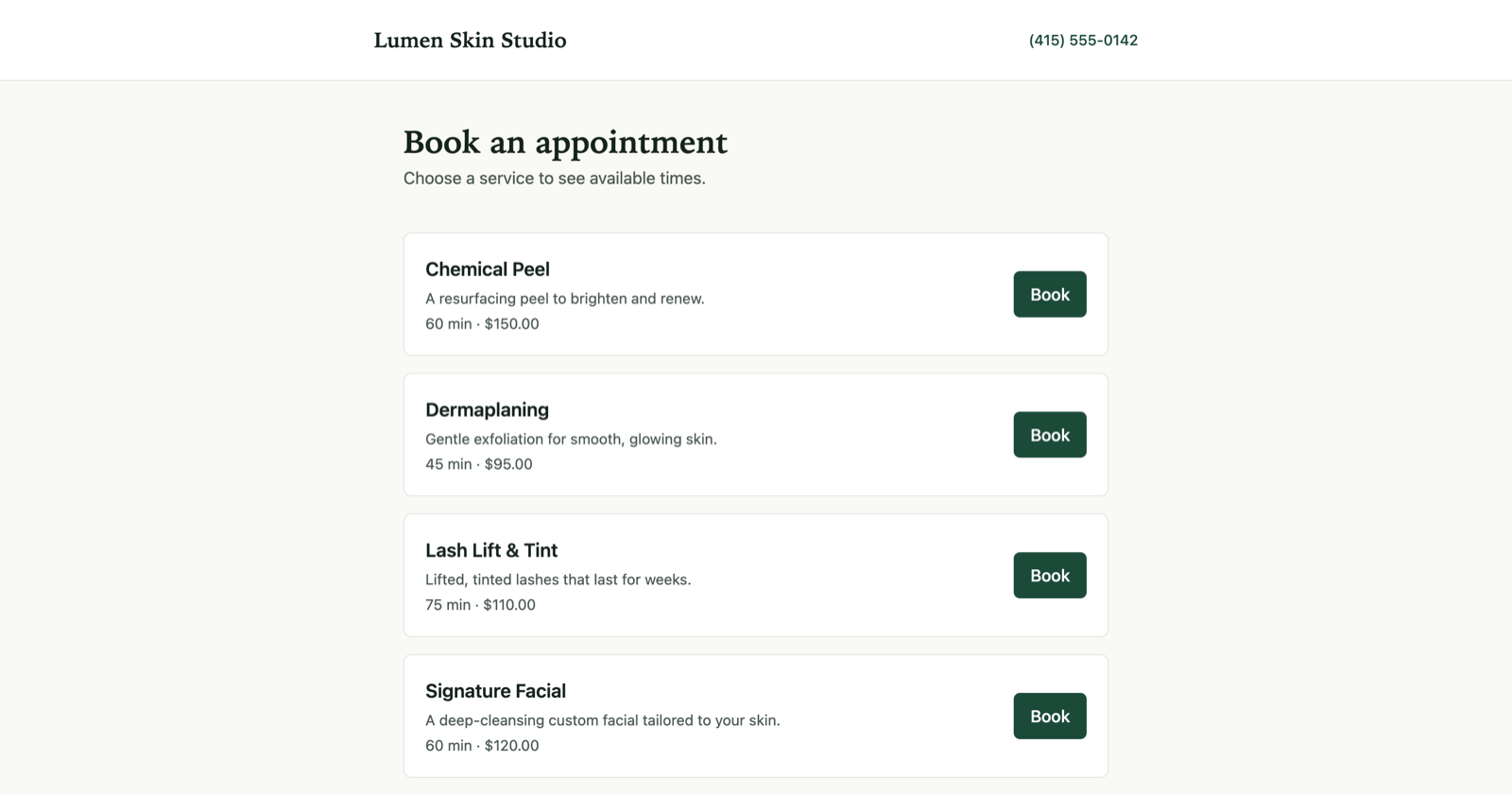
Your booking page on your own Rezzy link.
What should the best barber booking software actually do?
At minimum, it needs to handle five things well: taking bookings online without a phone call, keeping each barber’s chair independently scheduled, sending reminders that cut no-shows, collecting a deposit when a client has burned you before, and giving you a record of what each client had done last time. Everything past that (reviews, marketing emails, reports) is upside, not table stakes.
A lot of shops start with just a shared Google Calendar or a paper book by the register. That works until you have more than one chair or more than a handful of regulars, at which point double-bookings and “wait, who cut this guy’s hair last time” start costing you real money.
Walk-ins vs appointments: does the software handle both?
Yes, it should, and this is the single biggest way barber scheduling differs from a spa or salon booking tool built around fixed appointment slots. Many shops run on a mix: a chunk of the day is open for walk-ins, another chunk is booked online days ahead, and the two need to share one calendar so a barber never double-books a slot.
The practical test: can you block a walk-in window on the calendar (so it doesn’t show as bookable online) and still take a same-day online booking if a slot opens up? If a tool can only do fixed pre-booked slots, or only a walk-in queue with no online booking at all, you’ll end up running two systems and reconciling them by hand, which defeats the point.
If your shop is walk-in heavy, ask this in any demo before anything else, since it’s the thing generic scheduling tools built for classes or single-provider services tend to get wrong.
How does per-chair or per-barber scheduling work?
Each barber needs their own hours, their own booked slots, and their own buffer time between cuts, independent of the other chairs in the shop. A booking tool that treats the whole shop as one calendar will double-book chairs the moment you have two or more barbers with different schedules, whether that’s one working mornings only or another who blocks Tuesdays for a color specialty.
Look for:
- Independent availability per barber. Each person sets their own working hours and days off, not one shop-wide schedule.
- Per-service duration and buffer. A skin fade and a beard trim shouldn’t take the same slot length, and you want a cleanup buffer built in so a running-late cut doesn’t cascade into the next one.
- A booking page per barber or a shop-wide page with a barber picker. Regulars want to rebook with the person who knows their head, not whoever’s next.
- One calendar view for the owner. You should see every chair’s day at a glance, not click into five separate calendars.
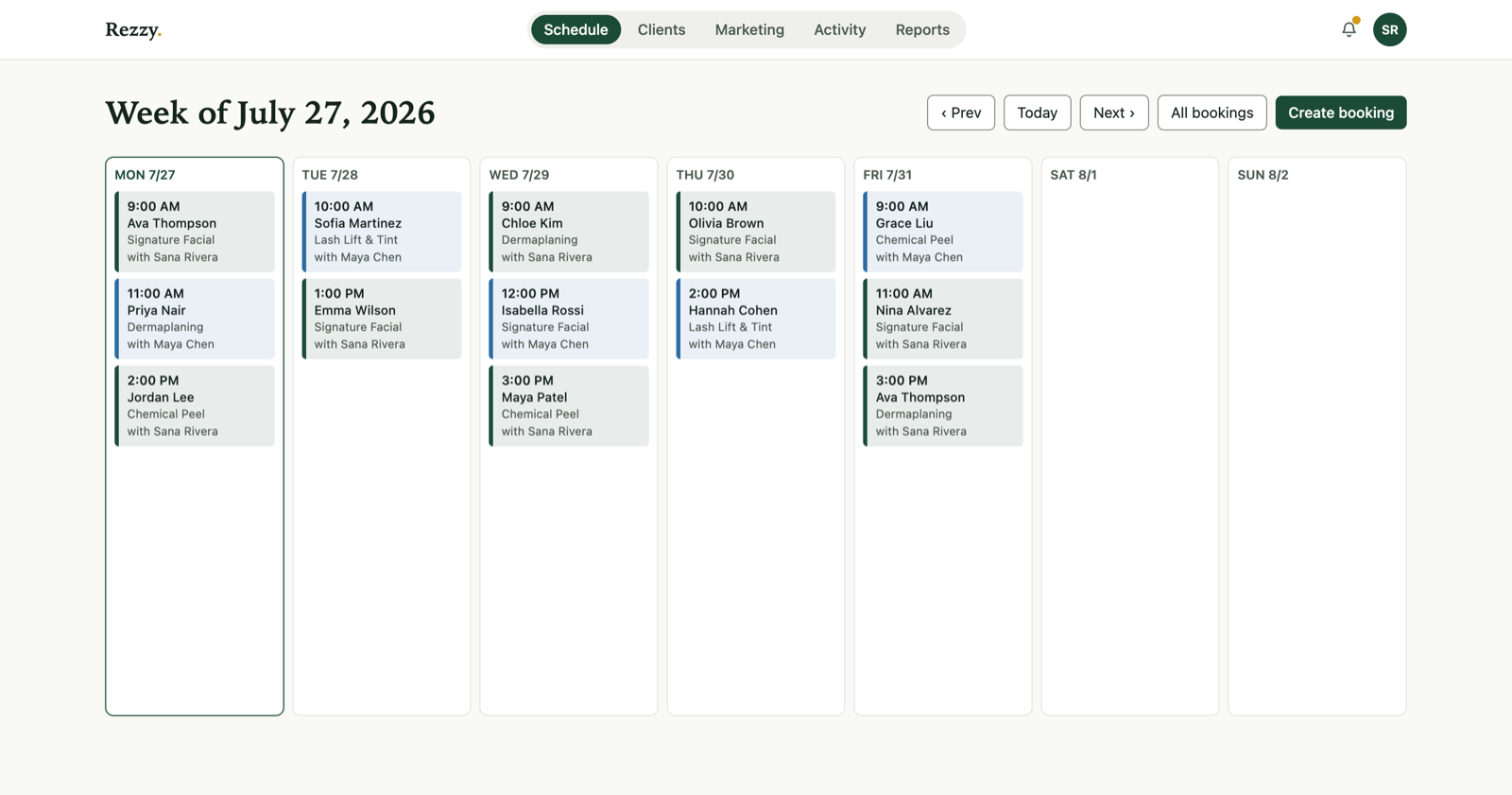
A week across the whole shop in Rezzy.
Do I need deposits, and how much should I charge?
If no-shows or last-minute cancellations are costing you booked chair time, yes. A deposit that’s forfeited on a no-show is the single most effective lever most shops have, more effective than reminders alone, because it puts something on the line before the appointment. Most shops that use them charge somewhere in the $10 to $25 range for a standard cut, or a flat percentage of the service price for higher-ticket work like color or a full grooming package.
The deposit doesn’t need to cover the whole ticket. Its job is to change behavior, not to pre-pay the service. A client who’s put money down shows up, or calls ahead to reschedule instead of ghosting. Software that takes the deposit at booking time and applies it automatically to the final ticket (rather than you tracking it separately) is worth paying for on its own; manual deposit tracking is exactly the kind of thing that quietly stops happening once the shop gets busy.
Will reminders actually reduce no-shows?
Reminders reduce no-shows, but timing matters more than channel. A single reminder sent 24 hours out, and a second one 2 to 3 hours before the appointment, catches both the client who forgot entirely and the one who’s about to double-book themselves. Text tends to get read faster than email for this kind of same-day nudge, so a tool that can text (not just email) matters more for a barbershop’s shorter booking windows than it might for a business where appointments are booked weeks out.
The reminder should also make it trivially easy to cancel or reschedule from the message itself. A client who wants to bail but has to call the shop during business hours to do it will often just no-show instead. One tap to a reschedule link removes that friction and gets you a filled slot instead of an empty chair.
Tired of chasing no-shows? Rezzy takes deposits and sends timed reminders automatically, so an empty chair isn’t your problem to catch. Start free.
Does it need to track cut history for each client?
If you have more than one barber or any employee turnover, yes. The value isn’t just remembering “he gets a 2 on the sides, scissor on top,” though that matters for consistency. It’s that a new barber, a fill-in, or you covering someone’s day off can pull up the last visit and deliver the same cut without the client having to explain it again. That consistency is a big part of what turns a first-time walk-in into a regular.
This should build itself from bookings, not be a separate thing you type into after every client. Every booking should automatically log to that client’s history: what they got, when, and any notes the barber leaves. Over months that turns into a real history without anyone doing manual data entry.
How do I get clients to rebook automatically?
The two things that move the needle are a rebooking prompt at checkout (“want to grab your next cut now, same time in four weeks?”) and an automatic nudge to anyone who’s overdue based on their typical cycle. A fade grows out on a fairly predictable schedule, usually every 3 to 5 weeks depending on the client, so software that flags “hasn’t booked in [your typical cycle] weeks and nothing upcoming” and can fire off a rebooking text or email without you tracking it by hand fills chairs that would otherwise sit empty.
Rebooking at checkout is the highest-conversion moment you’ll get, since the client is standing right there and already thinking about their next cut. Software that makes that a one-tap “same time next month” rather than a full new booking flow gets used far more often than one that doesn’t.
What’s the difference between generic scheduling tools and shop-built booking software?
Generic appointment tools (built for consultants, tutors, or single-provider services) usually nail the basic calendar and reminder emails but miss the shop-specific pieces: per-chair scheduling with walk-in blocks, deposit-to-ticket application, and cut history that builds itself. Software built around service businesses like barbershops and salons tends to have those baked in rather than bolted on.
The tradeoff is usually price and complexity. Generic tools are often cheaper or free at the low end, but you end up assembling the rest (a separate deposit processor, a spreadsheet for client notes, a text reminder app) yourself. Purpose-built tools cost more but the pieces are already wired together.
| Feature | Generic scheduling tool | Shop-built booking software (e.g. Rezzy) |
|---|---|---|
| Online booking page | Yes | Yes |
| Per-chair / per-barber calendars | Sometimes, often bolted on | Built in |
| Walk-in blocks alongside bookable slots | Rarely | Built in |
| Deposits applied to the final ticket | Rarely, needs a separate processor | Built in |
| Text + email reminders | Email common, text often extra | Both, timed automatically |
| Client cut history that builds itself | No, needs a separate CRM or notes app | Builds from every booking automatically |
| Automatic rebooking nudges | Rarely | Built in |
| Review requests after a visit | Rarely | Built in |
Where Rezzy fits
Rezzy was built for boutique shops running exactly this mix: some walk-ins, some booked ahead, one or more chairs, and regulars you want coming back on a cycle. The booking page handles both walk-in-style same-day slots and appointments booked weeks out on one calendar per barber. Every booking automatically builds a client record (what they got, when, notes from the chair) so cut history is there without anyone typing it in after the fact. Deposits, text and email reminders, and rebooking nudges based on a client’s typical cycle are all part of the same system rather than separate tools you have to stitch together.
It won’t be the cheapest option if all you need is a bare booking calendar. It’s built for shops where the no-shows, the rebooking gaps, and the “who cut this guy’s hair last time” moments are actually costing you money, and where having the deposit, the reminder, and the client history in one place is worth more than assembling three separate tools. If that’s your shop, start free and put your real schedule on it, walk-ins and all.