Keep track of follow-ups
“I’ll check how the colour settled” is a promise, and promises without a system get broken. Follow-ups are Rezzy’s memory for them.
Add a follow-up
- Open the client’s page and add a task: what to do and when it’s due. “Call about the 12-week plan, Friday.”
- Done. It’s attached to the client, and it will resurface on time.
Website inquiries and imports can create follow-ups automatically too; anything that needs a human later becomes a task, not a mental note.
Work the list
Click the bell and open the Follow-ups tab: every open task across all clients, due-dated, in one place. The bell shows its quiet dot whenever something needs you, so an empty panel genuinely means you’re caught up.
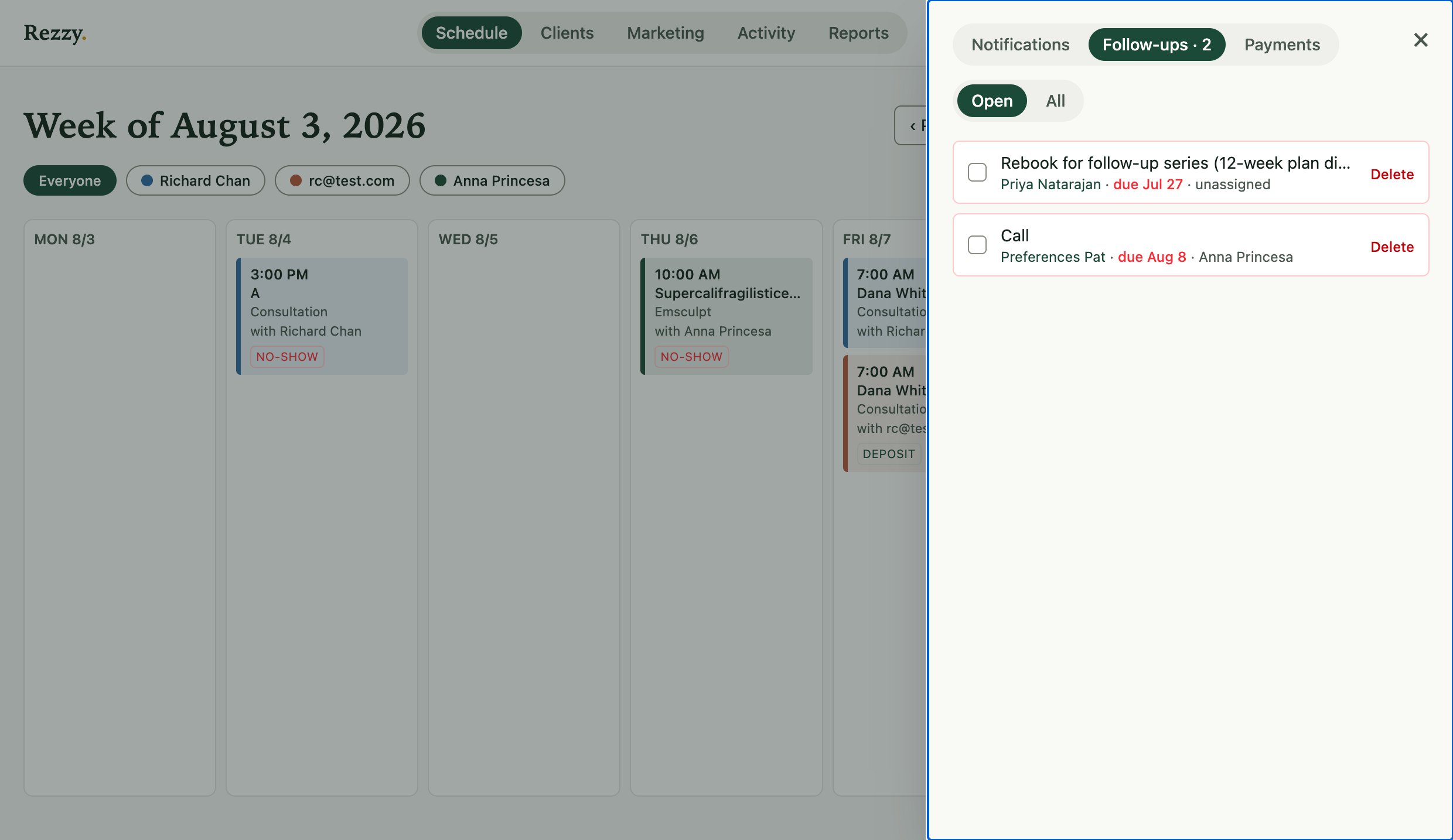
Every promise in one list, due-dated, with the client attached.
Check a task off when it’s done and it lands on the client’s timeline as part of the relationship’s history: next year you’ll see that you did call about the 12-week plan.
What to use it for
- Aftercare check-ins the day after a big service.
- “Wants to book when the schedule opens” waitlist promises.
- Retail follow-ups, patch-test scheduling, consult decisions.
- Anything you’d otherwise write on a sticky note that dies by Thursday.
The Needs rebooking list handles the “come back in” nudges systematically (see Rebook lapsed clients); follow-ups are for the one-off promises in between.
Run your front desk on Rezzy
Online booking, a client book that builds itself, automatic reminders, and rebooking that runs on its own.